
 Italiano


There are no more items in your cart

Free shipping for orders over 800€!
Write here your email address and stay up to date when the product comes back available.
BRAND BLACKFOLIUM
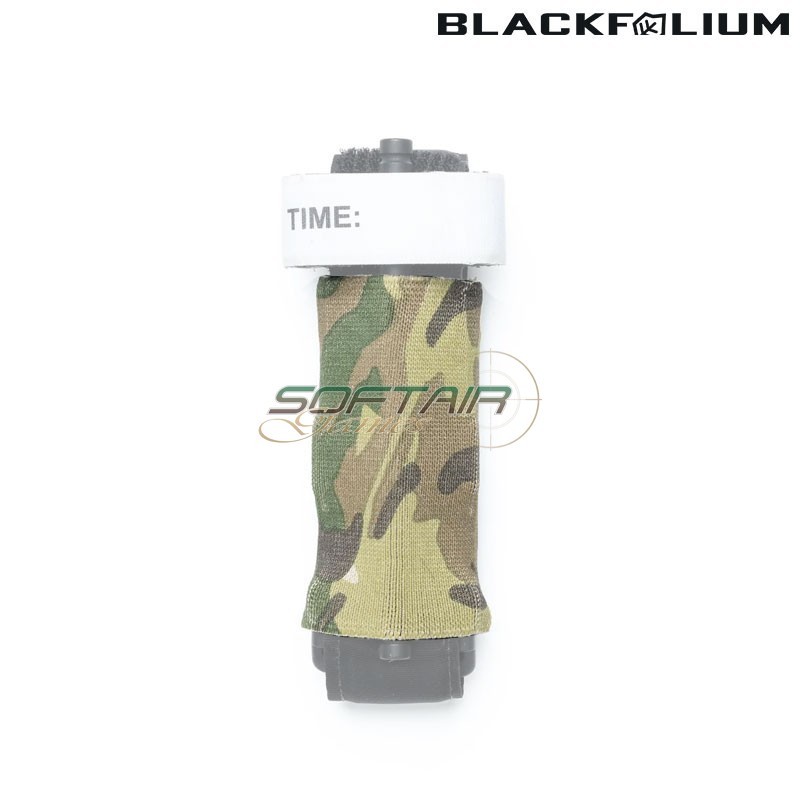
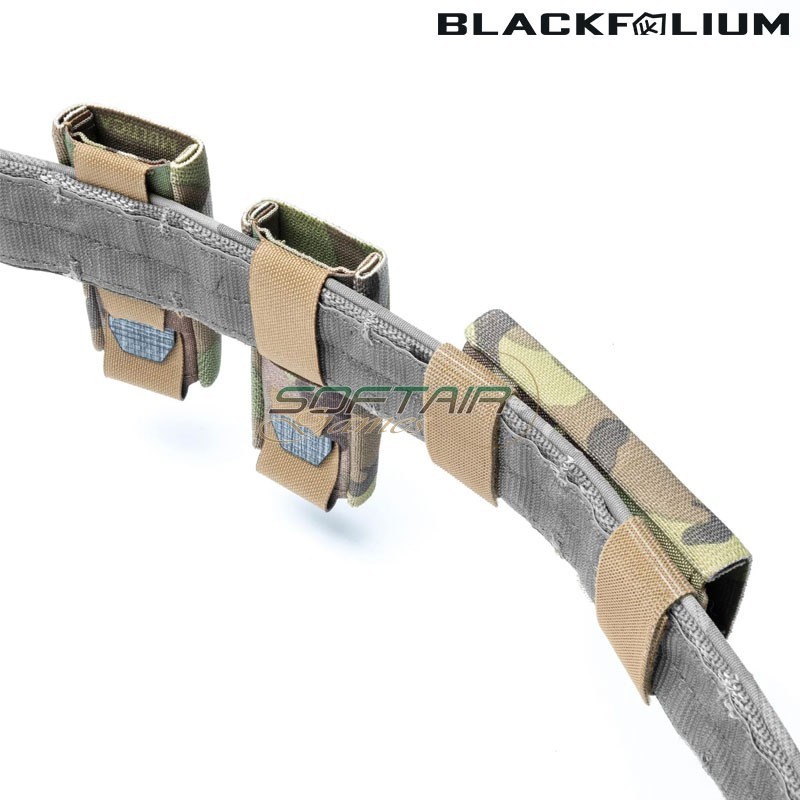
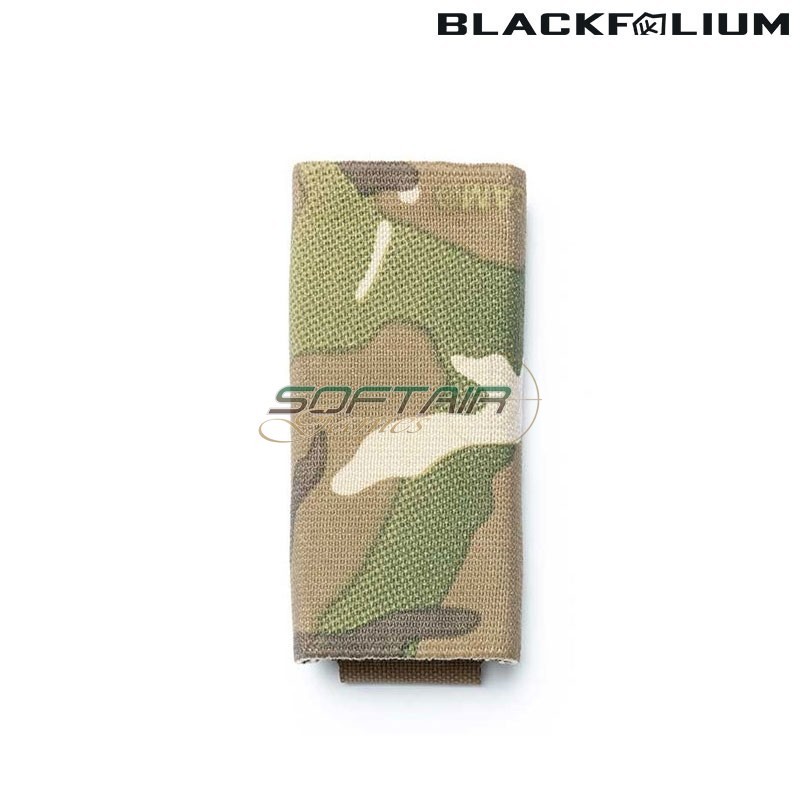
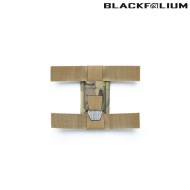
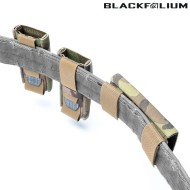
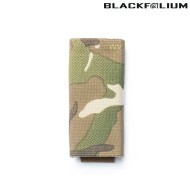
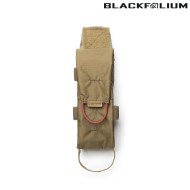
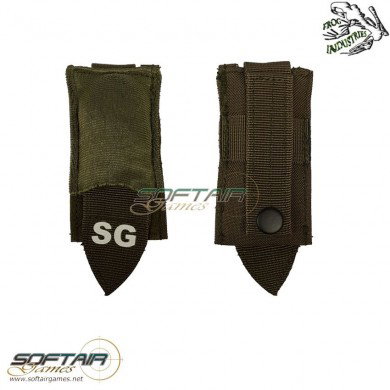
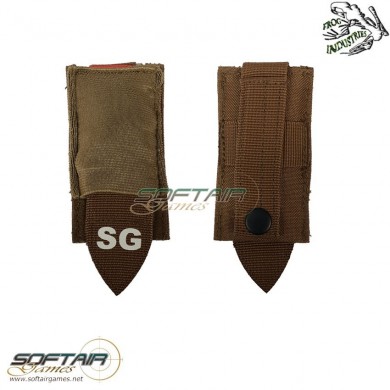
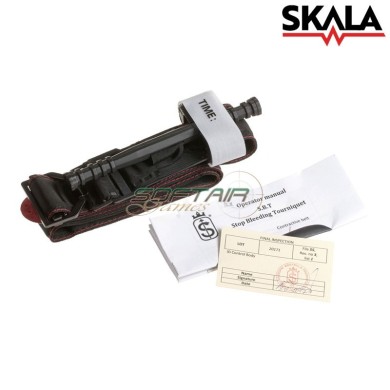
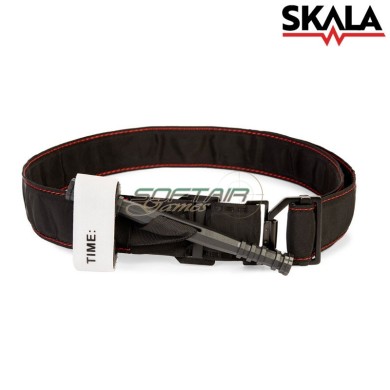
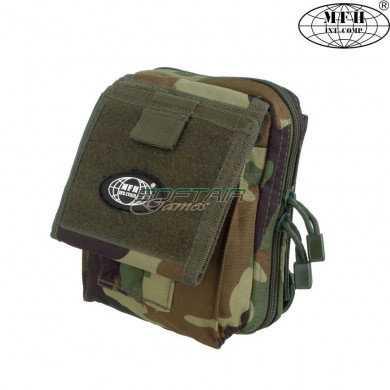
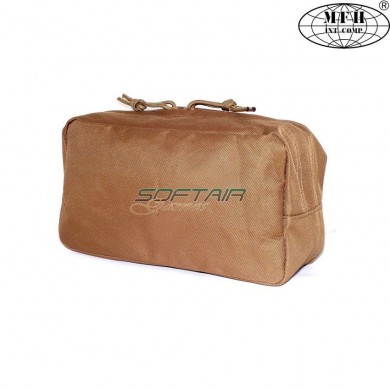
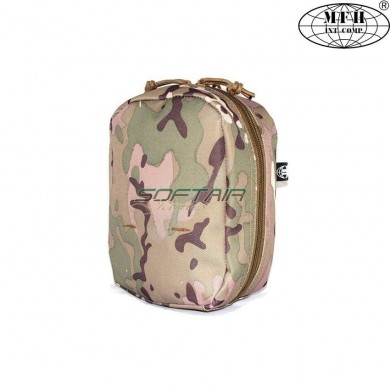
The tourniquet represents the first life-saving tool to prevent massive blood loss. For this reason, we developed the slimmest and simplest pouch to carry it. Thanks to its innovative design, it can be installed both horizontally and vertically on several platforms.
IN THE BOX:
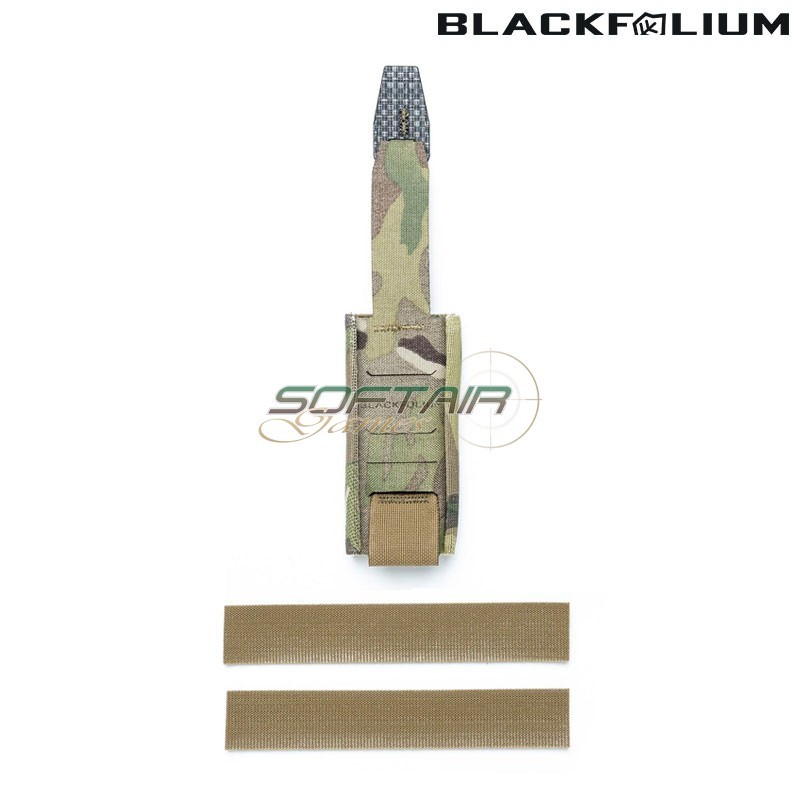
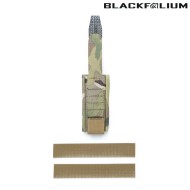
- 1x TQ-Pouch MULTICAM (Tourniquet not included)
- 2x One-Wrap® Strips
SPECIFICATIONS:
- Fabric: Laminated Mil-Spec Cordura® 500D/1000D DWR/nIR
- Rigid Parts: Polypropylene Composite
- Elastic: Mil-Spec Polyester/Nylon Elastic
- Sewing Thread: Mil-Spec Bonded PA Nylon 6.6
- Width: 5 cm / 2"
- Height: 10,5 cm / 4,1"
- Depth: 2 cm / 0,8"
- Weight: 28 gr / 1 oz.
The pouch can hold the most common tourniquets on the market, such as:
- CAT® (Combat Application Tourniquet)
- SOFT-T (Special Op. Forces Tactical Tourniquet)
- SAM® XT (Extremity Tourniquet)
- TX3 RevMedX®
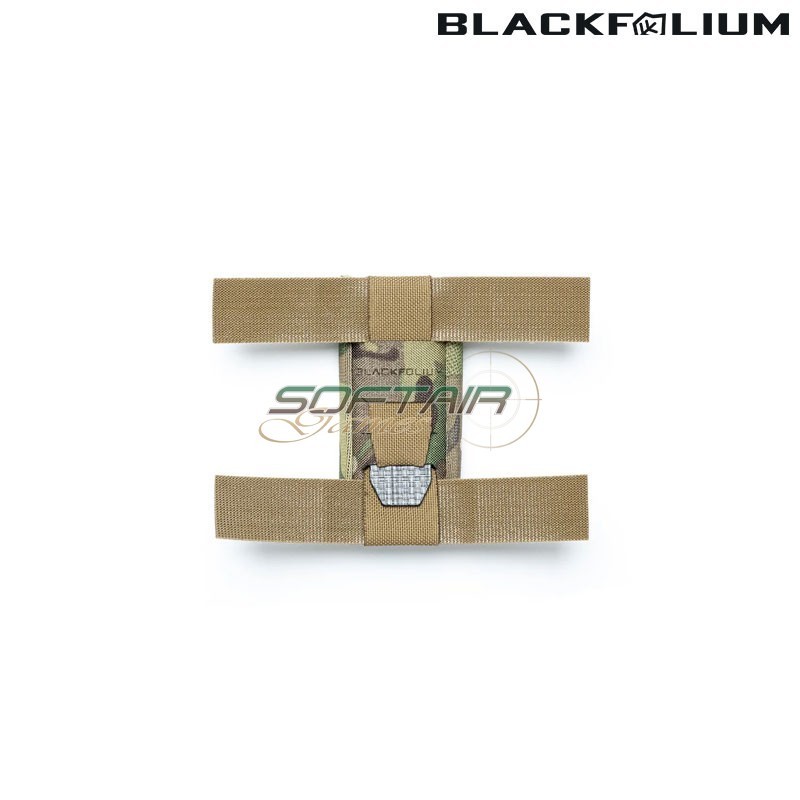
Thanks to the provided One-Wrap® strips, the pouch can be mounted:
1) Vertically on standard PALS/MOLLE.
2) Vertically on belts/webbing up to 50 mm.
3) Horizontally on belts/webbing up to 50 mm



Start typing to see products you are looking for.


We and selected third parties use cookies or similar technologies for technical purposes and, with your consent, for functionality, experience, measurement and “marketing (personalized ads)” as specified in the cookie policy.
You can freely give, deny, or withdraw your consent at any time by accessing the preferences panel. Denying consent may make related features unavailable.
Use the “Accept” button to consent. Use the “Reject” button or close this notice to continue without accepting.