
 Italiano









There are no more items in your cart

Free shipping for orders over 800€!
BRAND RETROARMS
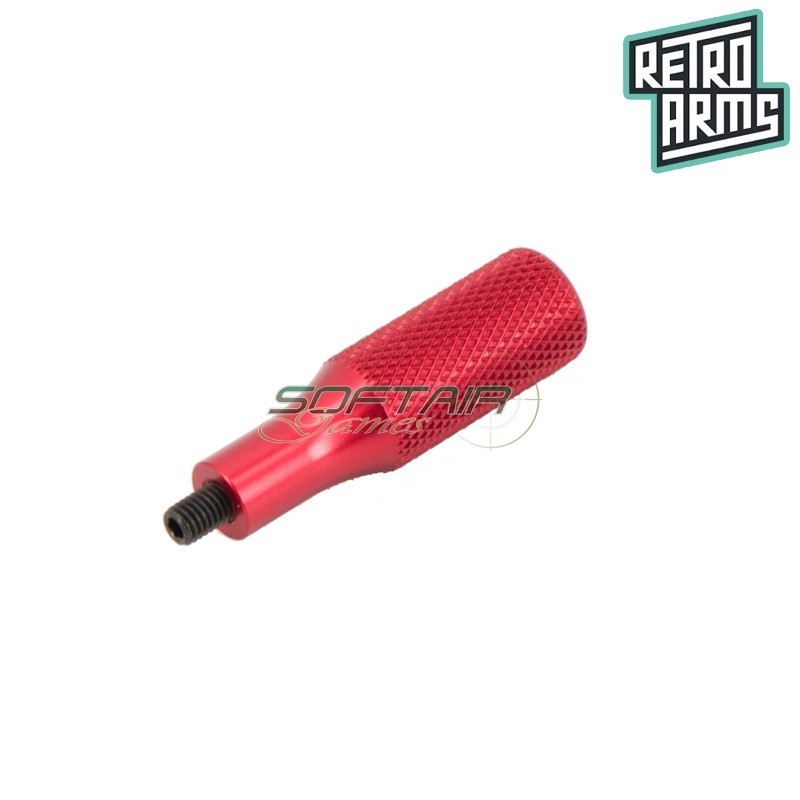
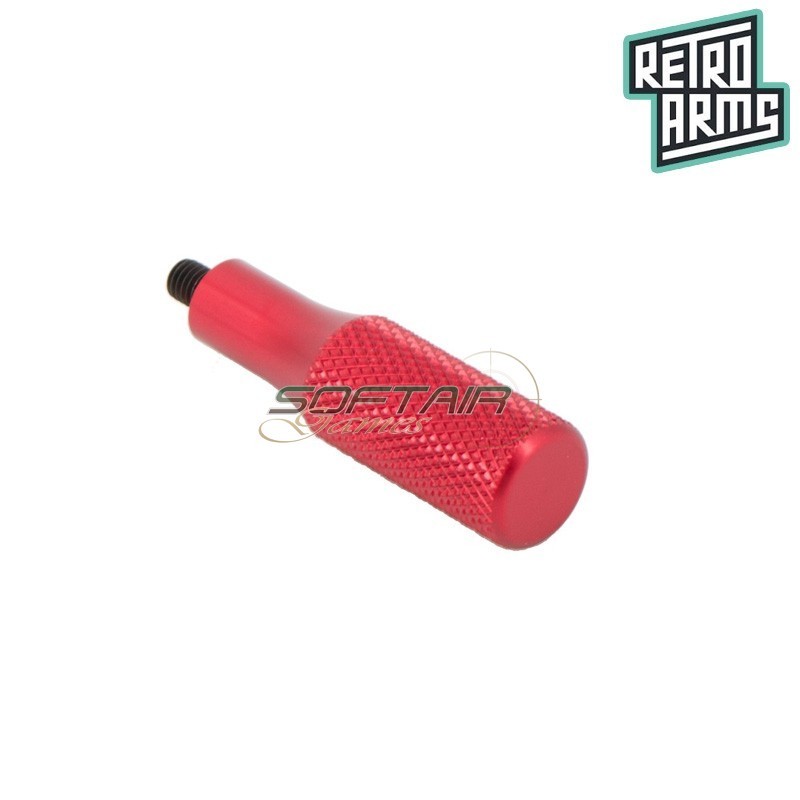
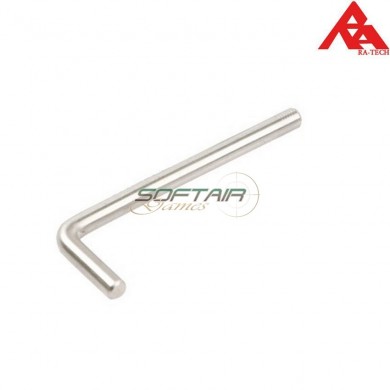
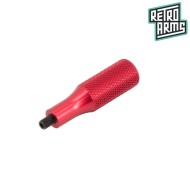
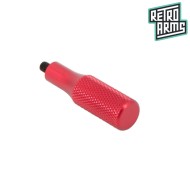
The QSC spring guide tool is designed for removing and installing RetroArms QSC spring guides.
The tool screws directly into the spring guide thread and allows it to be removed from the gearbox while working against spring pressure, without opening the gearbox. Compared to a standard Allen key, it provides a much more secure and stable grip during the operation.
Main features
Technical specifications
The QSC (Quick Spring Change) system allows the spring to be replaced from the rear of the gearbox without disassembling it. Using this dedicated tool makes the operation faster and safer, reducing the risk of sudden spring guide movement during removal.




Start typing to see products you are looking for.


We and selected third parties use cookies or similar technologies for technical purposes and, with your consent, for functionality, experience, measurement and “marketing (personalized ads)” as specified in the cookie policy.
You can freely give, deny, or withdraw your consent at any time by accessing the preferences panel. Denying consent may make related features unavailable.
Use the “Accept” button to consent. Use the “Reject” button or close this notice to continue without accepting.