
 Italiano




There are no more items in your cart

Free shipping for orders over 800€!
BRAND SOTAC GEAR
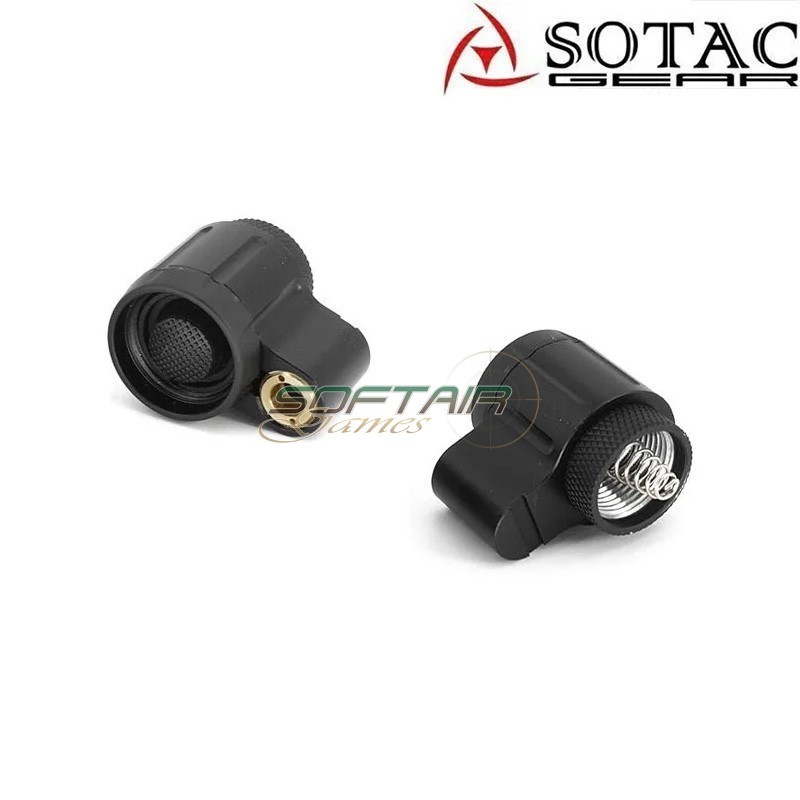
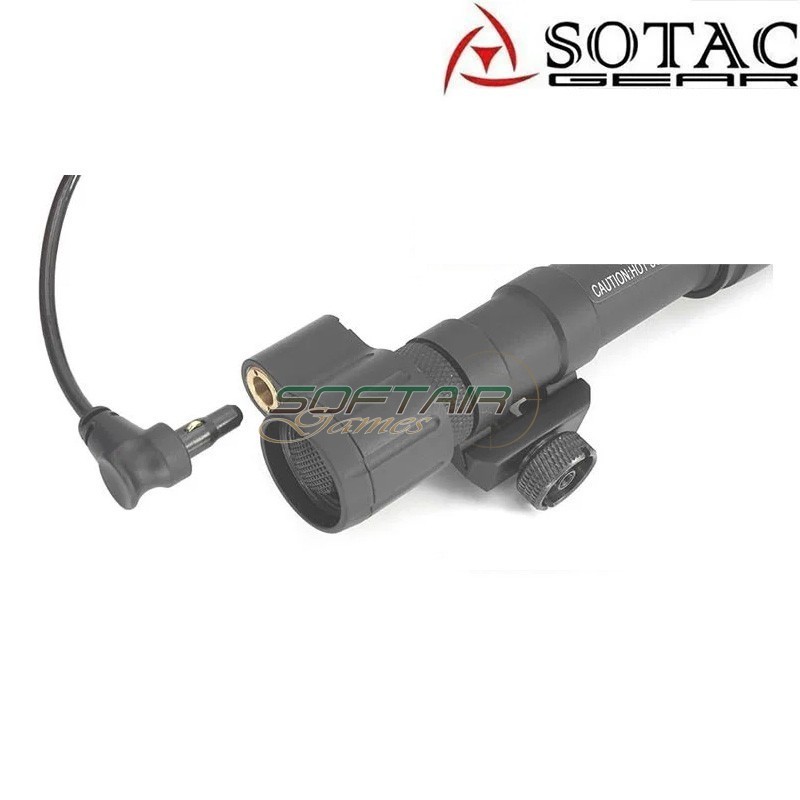
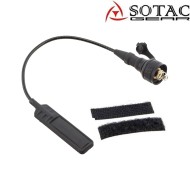
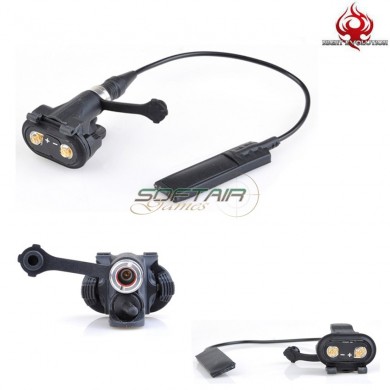
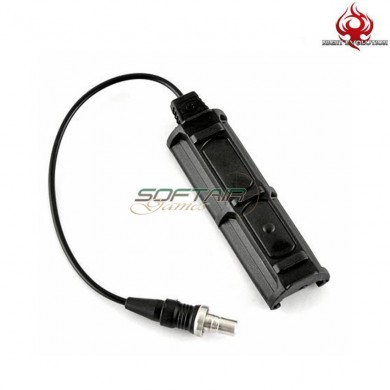
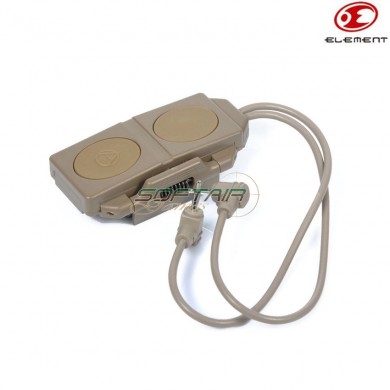
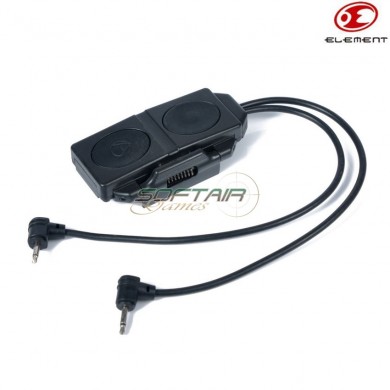
The Crane Type Dual Function SW-16 switch is an accessory designed for compatible SF tactical flashlights. Its construction combines a traditional rear button with a Crane Plug port for connecting a remote pressure switch, providing two lighting control modes: Constant-On and Momentary.
Made of aluminum, it combines durability with a lightweight construction. The system is designed to replace the original tailcap on compatible flashlights, using standard threading for quick and straightforward installation without complicated procedures.
It is compatible with SF style M600DF, M640DF, M300 and M600 flashlights.
Features:



Start typing to see products you are looking for.


We and selected third parties use cookies or similar technologies for technical purposes and, with your consent, for functionality, experience, measurement and “marketing (personalized ads)” as specified in the cookie policy.
You can freely give, deny, or withdraw your consent at any time by accessing the preferences panel. Denying consent may make related features unavailable.
Use the “Accept” button to consent. Use the “Reject” button or close this notice to continue without accepting.