
 Italiano




There are no more items in your cart
Free shipping for orders over 800€!
Write here your email address and stay up to date when the product comes back available.
BRAND AIRTECH STUDIO
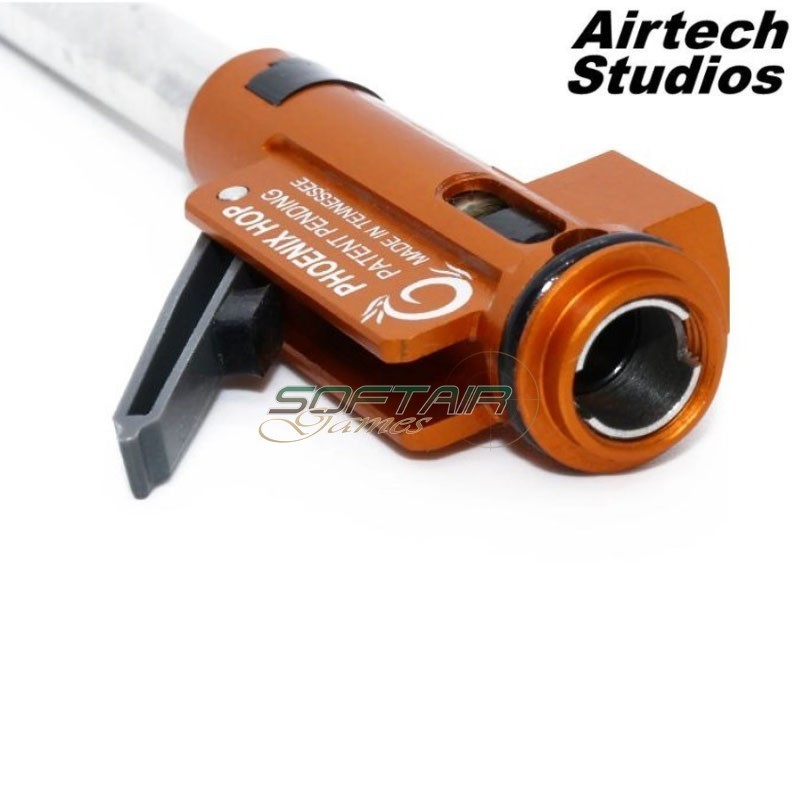
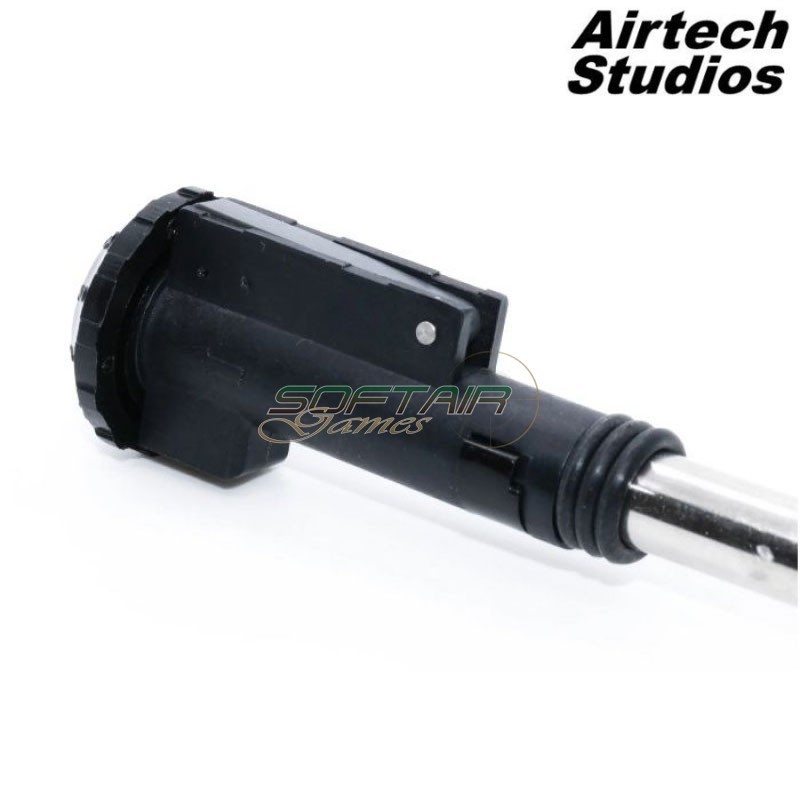
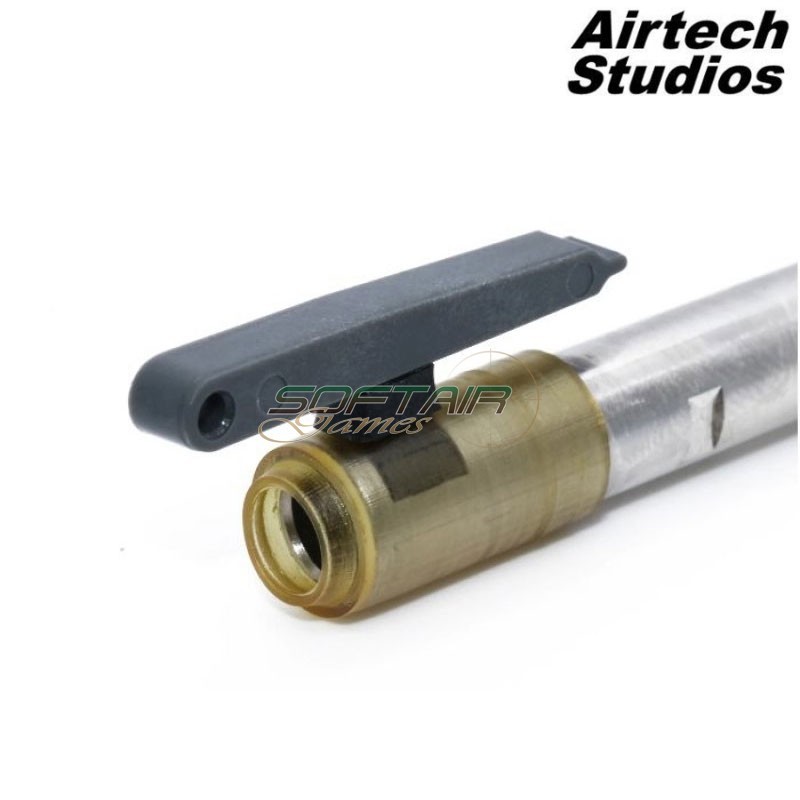
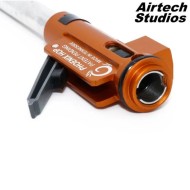
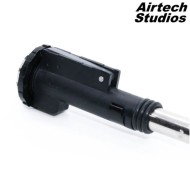
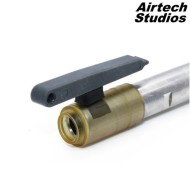
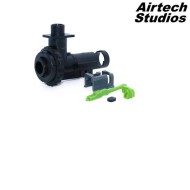
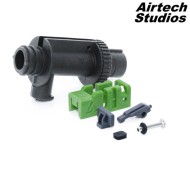
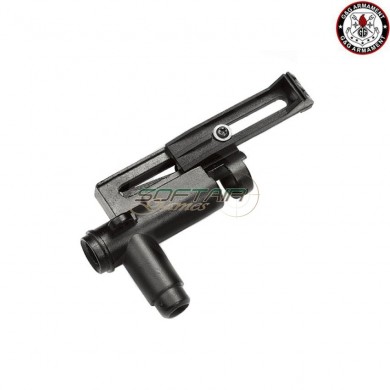
Take your Wolverine MTW’s precision to the next level with the AIRTECH Advanced R-HOP Arm & M-nub. Designed for enthusiasts who want to unlock the full potential of R-Hop without risky modifications, this drop-in upgrade provides perfectly centered Top-Down-Centre (TDC) pressure on the patch, improving your consistency, range, and accuracy shot after shot.
Key Features:
Perfect TDC Pressure – Even, centered force on the R-Hop patch for maximum accuracy.
Easy Installation – 100% drop-in, no modifications required.
Integrated M-nub – Distributes force evenly across the entire patch surface.
Durable Polycarbonate Construction – Strong and reliable for long-term use.
Enhanced Range & Consistency – Dominate the field even at long distances.
Why Choose R-Hop?
R-Hop allows you to push BBs farther while maintaining stability and precision. For best performance, combine with:
High-quality BBs
A well-sealed compression system
A clean and stabilized inner barrel
Hop-Up Unit NOT INCLUDED



Start typing to see products you are looking for.


We and selected third parties use cookies or similar technologies for technical purposes and, with your consent, for functionality, experience, measurement and “marketing (personalized ads)” as specified in the cookie policy.
You can freely give, deny, or withdraw your consent at any time by accessing the preferences panel. Denying consent may make related features unavailable.
Use the “Accept” button to consent. Use the “Reject” button or close this notice to continue without accepting.